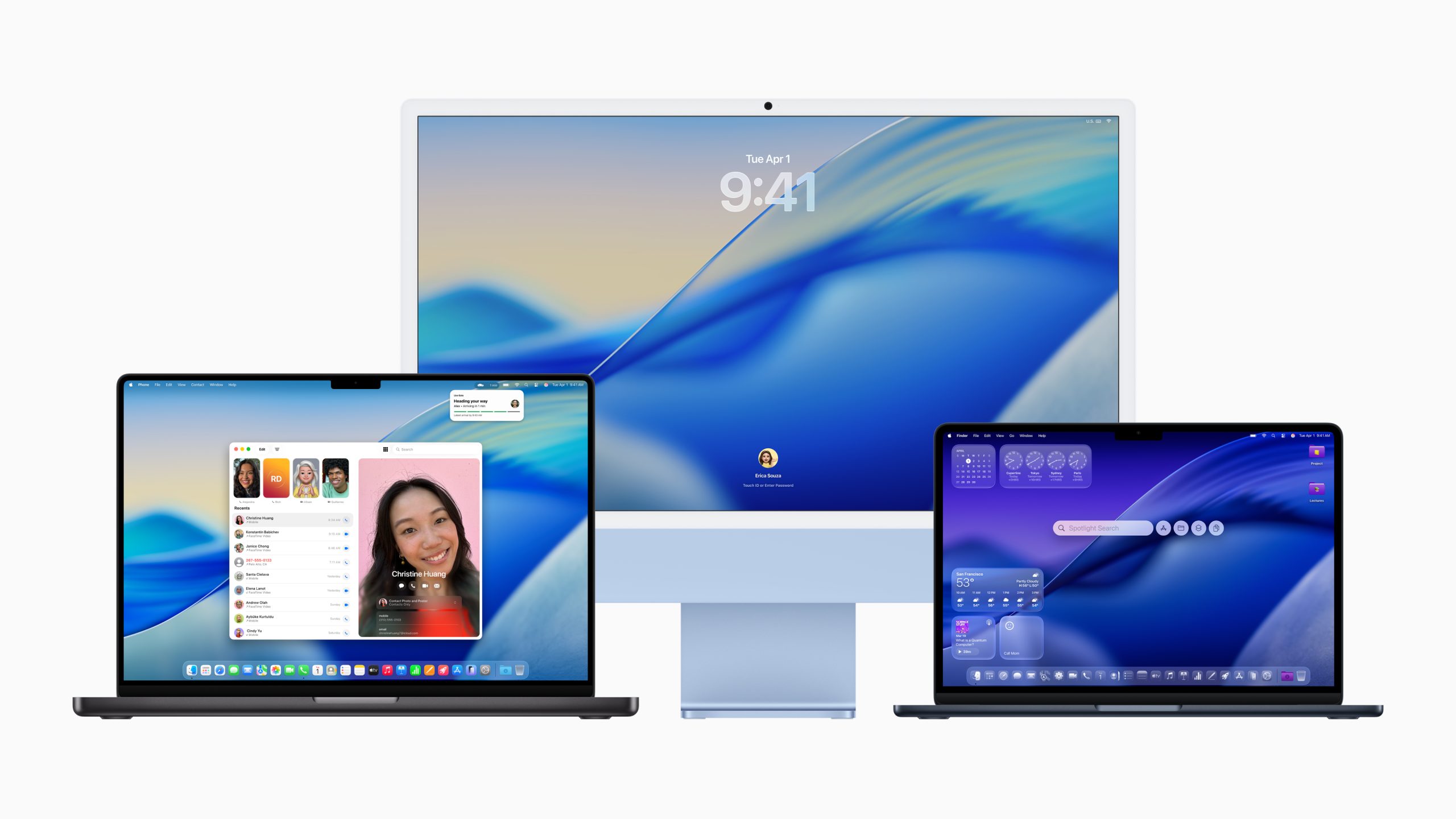
Users of the macOS Tahoe operating system are discovering a method to hide menu bar icons through a specific Terminal command. This workaround addresses widespread complaints regarding visual clutter and reduced scanability within application menus. The modification targets a hidden system preference control that Apple enabled in the latest software update released in March 2026.
The command required to disable these elements writes a boolean value to the global defaults database on the local machine. Users must input the string defaults write -g NSMenuEnableActionImages -bool NO into the command line interface to proceed. This process modifies the rendering logic for menu bars across all installed applications on the device permanently.
Steve Troughton-Smith identified the specific preference key responsible for the icon display within the system code. Troughton-Smith is a well-known developer who frequently examines the internal workings of Apple software and iOS updates. His discovery allows users to revert the visual style without modifying system files directly or risking kernel panics during operation.
Executing the command preserves essential window controls such as zoom and resize icons for active application windows. The change applies globally to all applications that respect the system default setting rather than overriding it locally. Users must relaunch their software for the new configuration to take effect immediately after saving the preferences.
A report published by 512 Pixels details the practical application of this terminal command for the average user. The blog post highlights the inconsistency found between system applications and third-party tools regarding icon consistency. Some icons appear functional while others seem purely decorative within the menu structure of the operating system.
Visual distractions often hinder productivity when navigating complex software interfaces during critical work sessions. The author of the report stated a strong dislike for the current design implementation found in the new release. They argue that removing icons allows for faster identification of menu items during active use by staff members.
Apple has not included a native toggle for this preference within the system settings panel for administrators. This absence forces power users to rely on undocumented commands to customize their experience within the enterprise environment. Previous versions of the operating system did not include action images in standard menus for users to disable.
The request for a native setting suggests a gap between user expectations and product design decisions made by engineers. The blog author hopes Apple will introduce an option in macOS 27 to address the issue raised by the community. Such a feature would eliminate the need for manual Terminal modifications by end users requiring stability.
This situation highlights the tension between standardized design and user customization capabilities available to consumers. Enterprise environments may face challenges if users require different visual configurations for accessibility reasons. Administrators must decide whether to enforce standardization or allow individual adjustments via scripts.
Future operating system updates could potentially break the workaround without warning or notification to the IT staff. Users should backup their system preferences before altering the global defaults database to prevent data loss. Monitoring developer forums will provide insight into the stability of this modification over time for all devices.